
Theme Documentation
Easily customizable, drag and drop (no code) HubSpot Modern theme. Comes with 13 Pre-Built Templates and 25 easy to customize custom modules. Fully Responsive with Drag and Drop enabled.
13 Pre-Built Templates
- Homepage
- Services Overview
- Services Inner page layout one
- Services Inner page layout two
- Services Inner page layout three
- Reviews
- About Us
- Generic Long Content
- Blog Index
- Blog Post
- Contact
- Landing Page
- Team
- System Pages (404, 500)
25 Custom Modules
Call Out
Options:
- Heading
- Centered Text
- Invert Text Color

Contact Info Column
Options:
- Icon
- Richtext Field

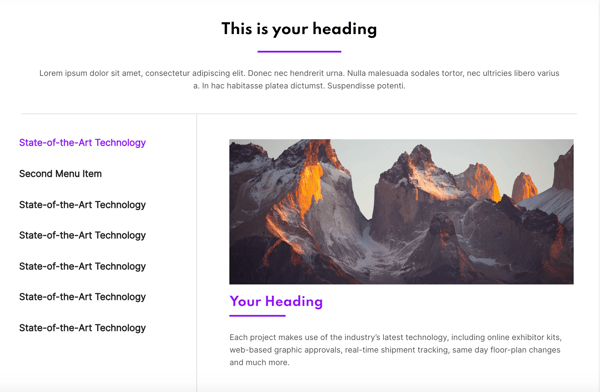
Content Box with Sidebar
Options:
- Heading
- Underline Heading
- Content
- Menu Label
- Field Heading
- Image Field
- Field Content
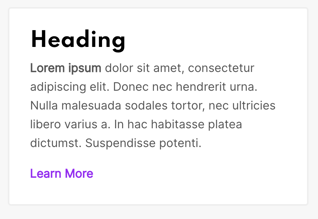
Fancy Content Box
Options:
- Background Color
- Heading
- Content
- Invert Text
- Link Field
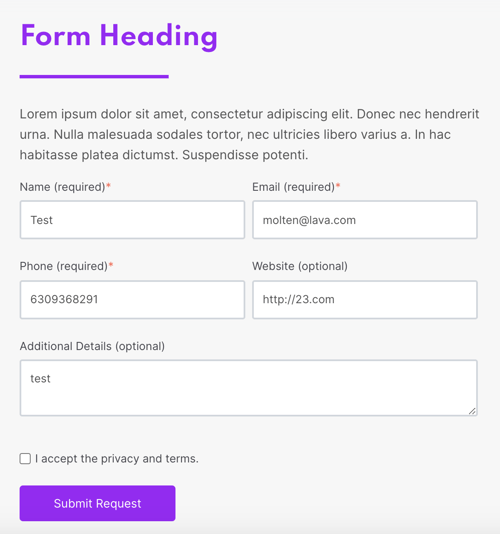
Fancy Form Box
Options:
- Heading
- Choose Theme Color For Heading
- Underline Heading
- Form Description
- Form Field
- Vertical Padding
- Horizontal Padding
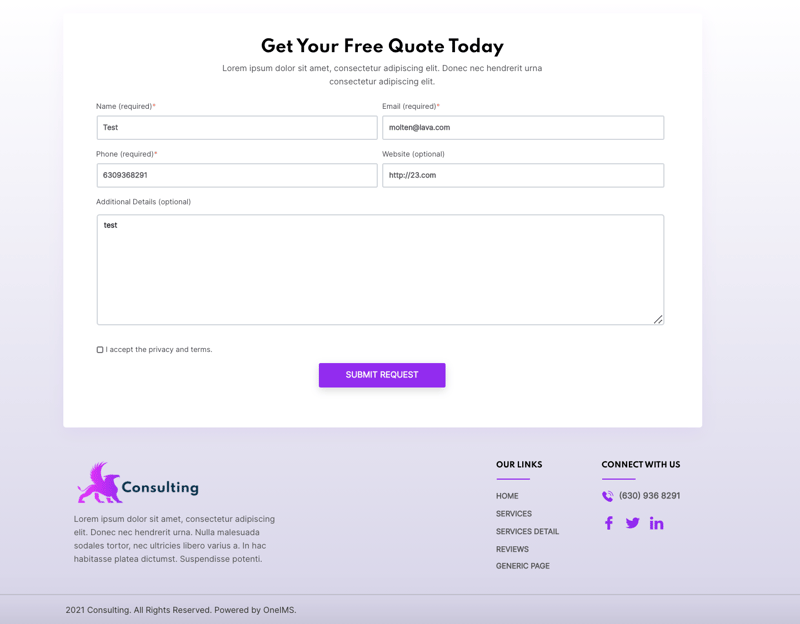
Global Footer
Options:
- Subfooter Heading
- Subfooter Description
- Subfooter Form Field
- Footer Logo
- Footer Company Description
- Footer Menu Heading
- Footer Menu Field
- Footer Social Heading
- Footer Company Phone
- Footer Facebook URL
- Footer Twitter URL
- Footer Linkedin URL
- Footer Instagram URL
- Copyright Text
Global Header
Options:
- Menu Field (upto 3 nested menus)
- CTA Text
- CTA Destination
- Homepage URL
- Site Logo
- Drawer Logo

Global Reviews
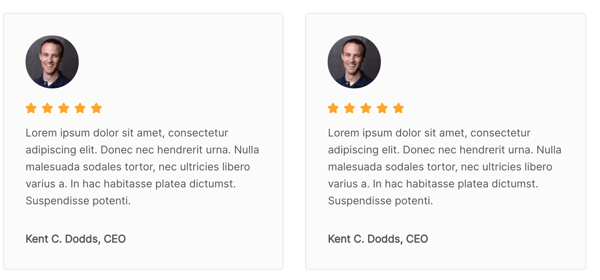
Options:
- Content
- Reviewer Name
- Reviewer Title
- Reviewer Avatar
- Grid Options
Global Sidebar
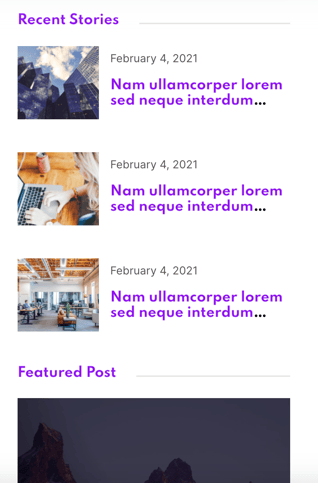
Options:
- Recent Stories
- Recent Stories Heading
- Recent Stories Blog Field
- Recent Stories Post Count
- Featured Post
- Featured Post Heading
- Featured Post Blog Title
- Featured Post Blog Destination
- Featured Post Blog Image
- Render Categories
- Newsletter Heading
- Newsletter Form Field
Heading and Content
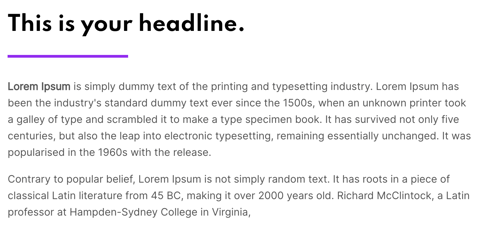
Options:
- Heading
- Underline Heading
- Centered Heading
- Content
- Top Padding
- Bottom Padding
Heading and Content and Button
Options:
- Heading
- Richtext Field
- Button Text
- Button Destination
- Underline Heading
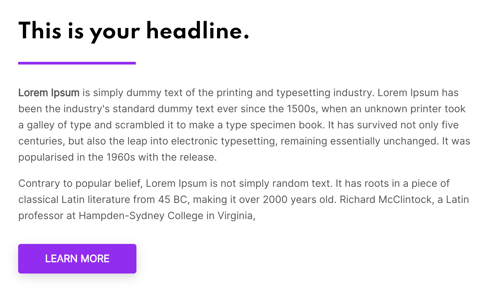
HP - Hero Section
Options:
- Top Padding
- Bottom Padding
- Background Image
- Background Image Vertical Position
- Background Image Horizontal Position
- Heading
- Description
- Button Text
- Button Destination
- Add Tint
- Invert Text Color
- Add Generic Pattern
- Pattern Position
- Pattern Opacity
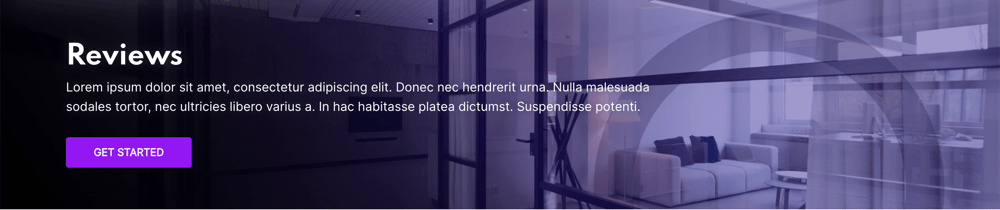
HP - Hero Section with Cards
Options:
- Top Padding
- Bottom Padding
- Heading
- Description
- Button Text
- Button Destination
- Invert Text Color
- Invert Card Text Color
- Card
- Card Background Image
- Card Background Image Vertical Position
- Card Background Image Horizontal Position
- Card Heading
- Card URL
- Card Icon
- Add Tint
- Add Generic Pattern
- Pattern Image
- Pattern Position
- Pattern Opacity
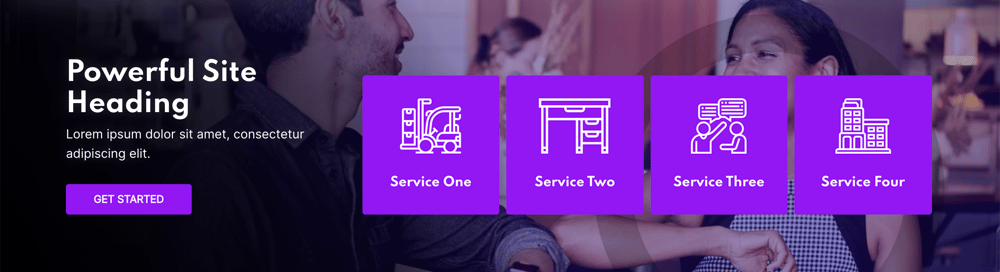
Icon Card
Options:
- Background Color
- Background Hover Color
- Text Color
- Text Hover Color
- Heading
- Icon
- Destination
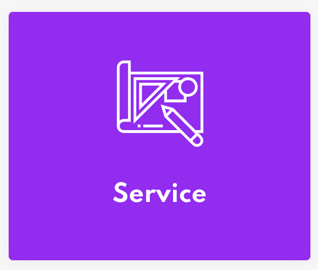
Icon Card with Content
Options:
- Background Color
- Background Hover Color
- Add Border
- Text Color
- Text Hover Color
- Heading
- Underline Heading
- Content
- Icon
- Destination
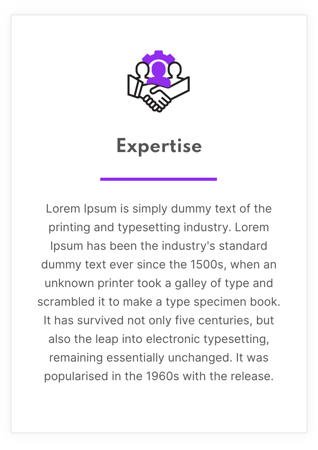
IP - Hero Section
Options:
- Top Padding
- Bottom Padding
- Background Image
- Background Image Vertical Position
- Background Image Horizontal Position
- Heading
- Description
- Button Text
- Button Destination
- Invert Text Color
- Centered Text
- Add Tint
- Add Generic Pattern
- Pattern Image
- Pattern Position
- Pattern Opacity

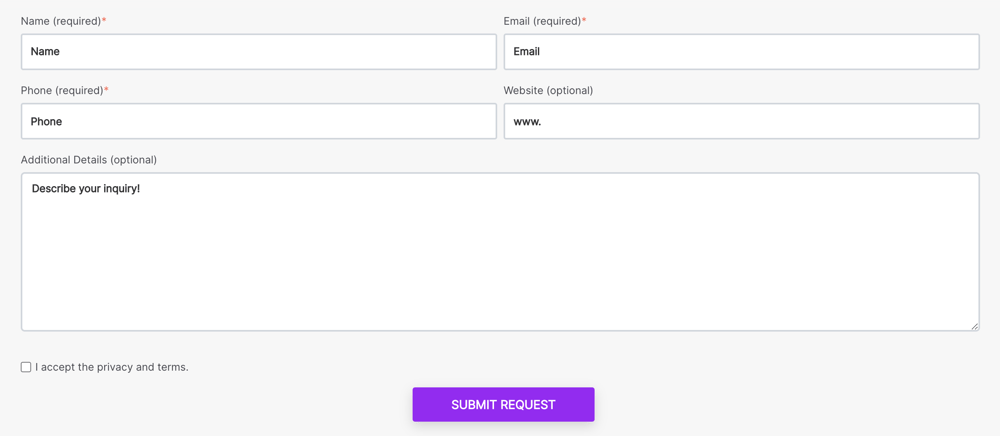
Large Contact Form
Options:
- Form Field
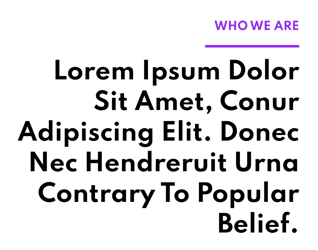
Large Heading
Options:
- Heading Label
- Large Heading Text
- Heading Label Color
- Alignment
- Invert Text Color
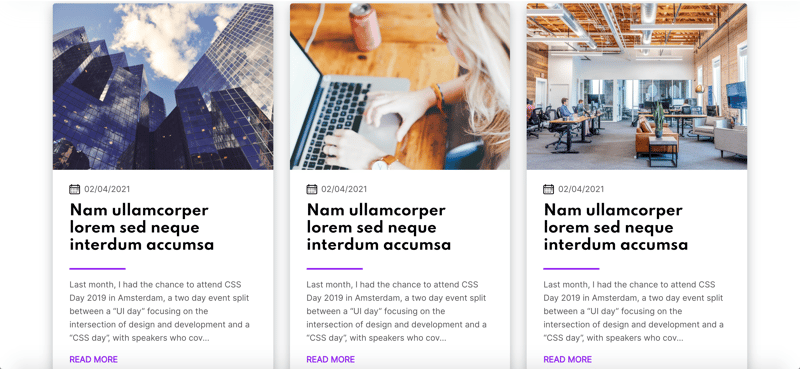
Latest Blogs (Global)
Options:
- Heading
- Description
- Number of blogs
- Blog Field
Long Content
Options:
- Content
- Equip Width

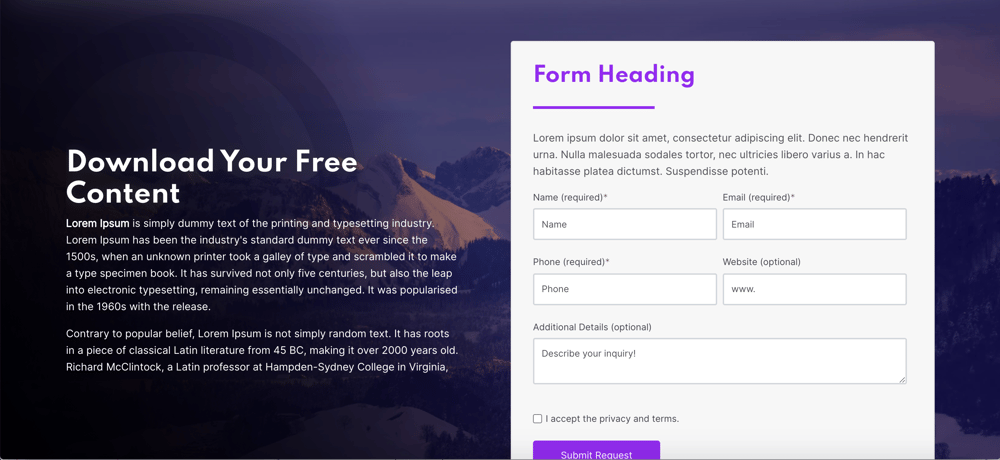
LP - Section with Fancy Form
Options:
- Top Padding
- Bottom Padding
- Background Image
- Background Image Vertical Position
- Background Image Horizontal Position
- Heading
- Richtext Field
- Button Text
- Button Destination
- Invert Text Color
- Add Tint
- Add Generic Pattern
- Pattern Image
- Pattern Position
- Pattern Opacity
- Fancy Form
- Fancy Form - Form Heading
- Fancy Form - Choose Theme Color for Heading
- Fancy Form - Underline Heading
- Fancy Form - Form Description
- Fancy Form - Form Field
- Fancy Form - Vertical Padding
- Fancy Form - Horizontal Padding
- Fancy Form Order
- Vertical Alignment
Partners Carousel (Global)
Options:
- Images (partner logo image field)
- Autoplay Slider

Service Call Out Row
Options:
- Tint Hover Color
- Card - Background Image
- Card - Icon
- Card - Heading
- Card - Destination

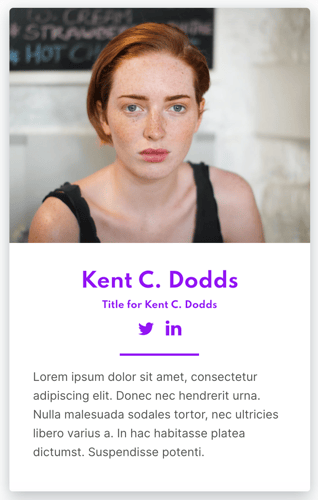
Team Card
Options:
- Image
- Person Name
- Person Title
- Person Description
- Linkedin URL
- Twitter URL
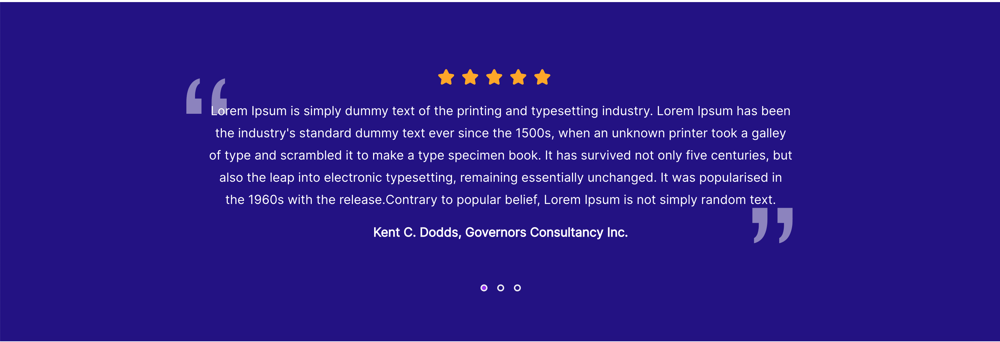
Testimonials (Global)
Options:
- Testimonial - Content
- Testimonial - Title